Pillar 01
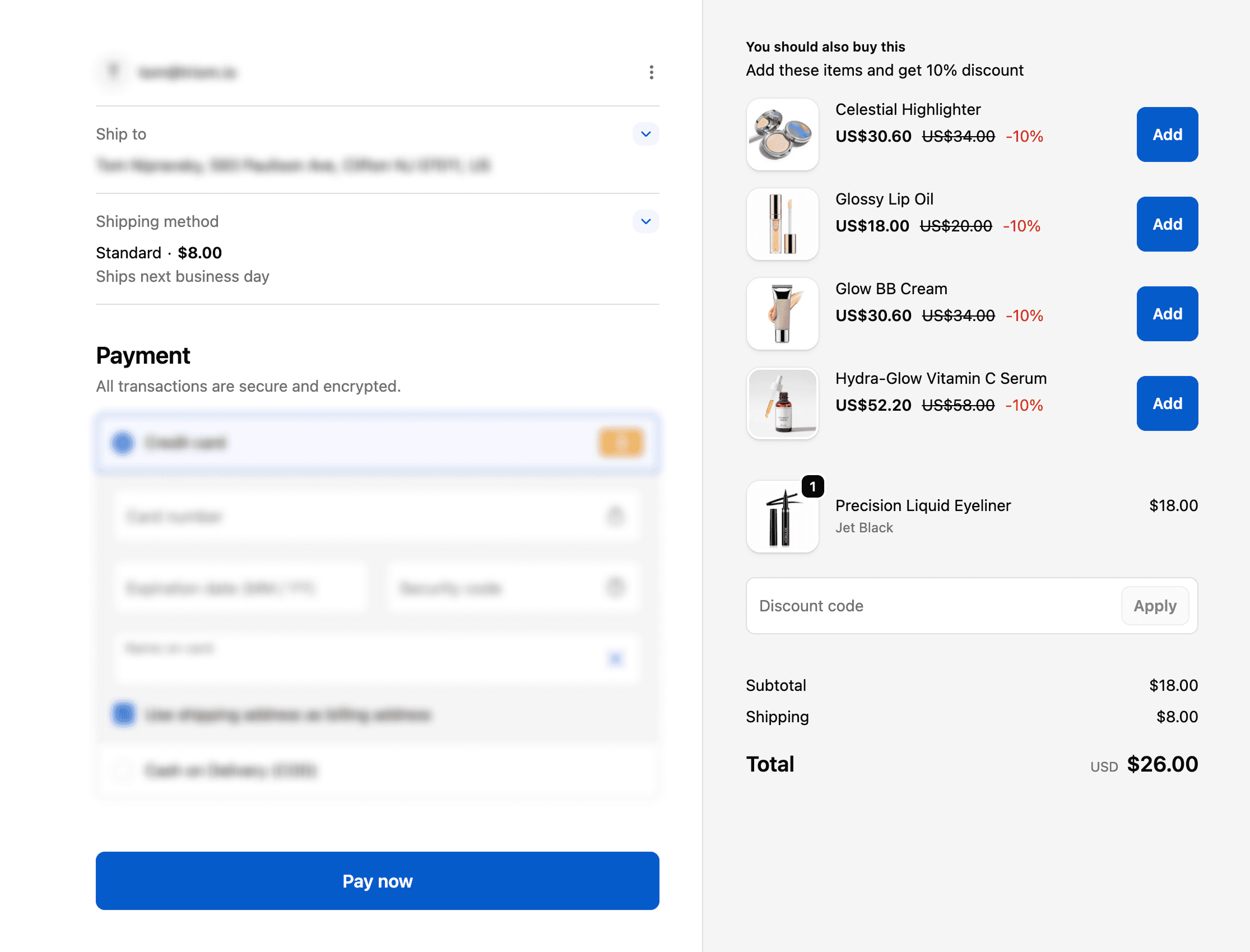
The post-purchase upsell lands in the order they already placed.
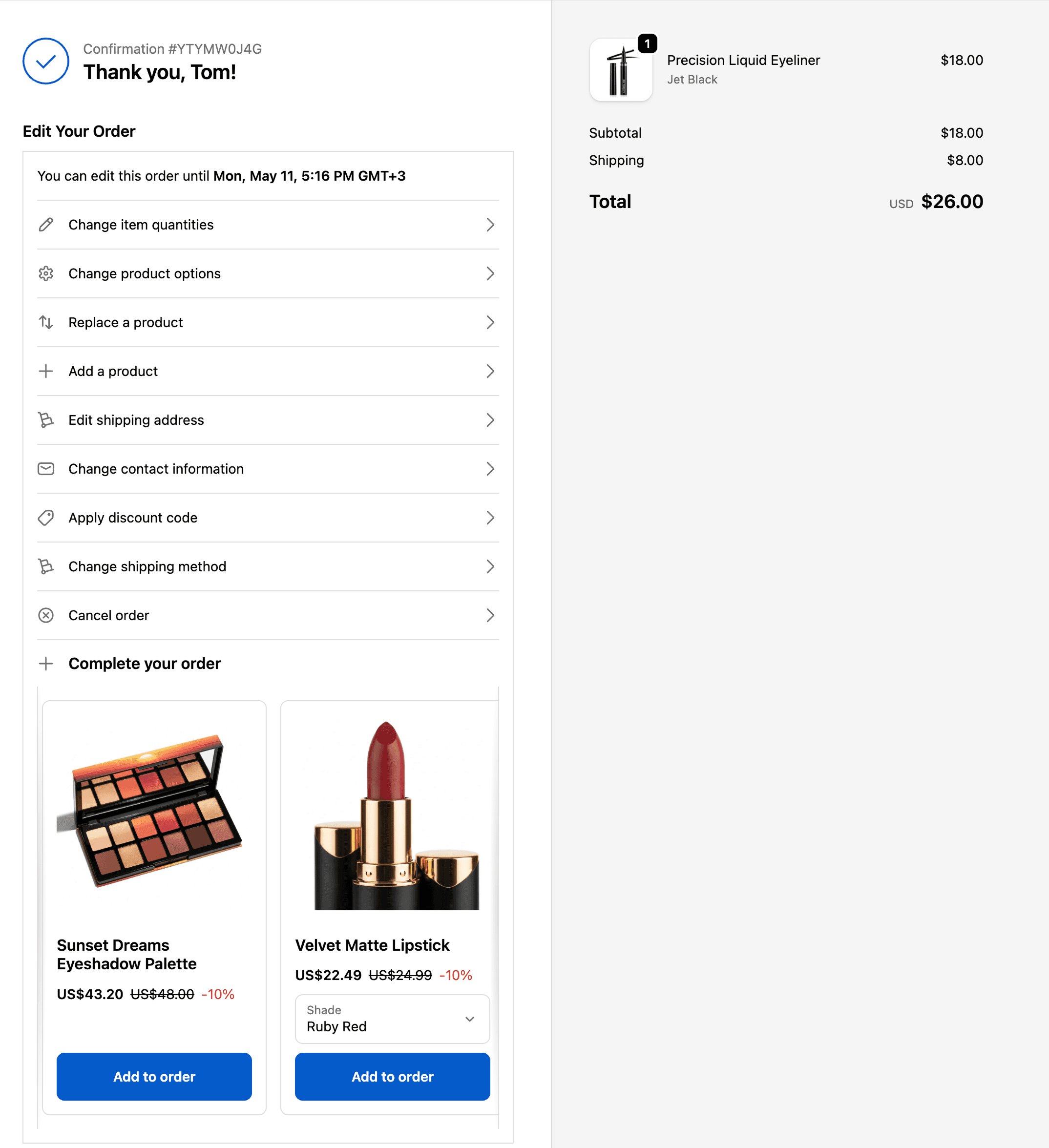
The order-editing upsell renders inside the Order Editing app block. On the Order Status page that’s the same block customers use to fix an address or bump a quantity. On the Thank You page the block is smaller — an edit-window countdown and an “Edit your order” button — and the offer sits alongside it. Labelled “Complete your order” by default, on the pages you pick: Thank You, Order Status, or both.
- Two surfaces, one upsell, or two — at least one surface toggle has to be on
- Pin a specific upsell ID to a block and only that offer is considered there
- Filters read the live order — an item added mid-edit then removed doesn’t count